
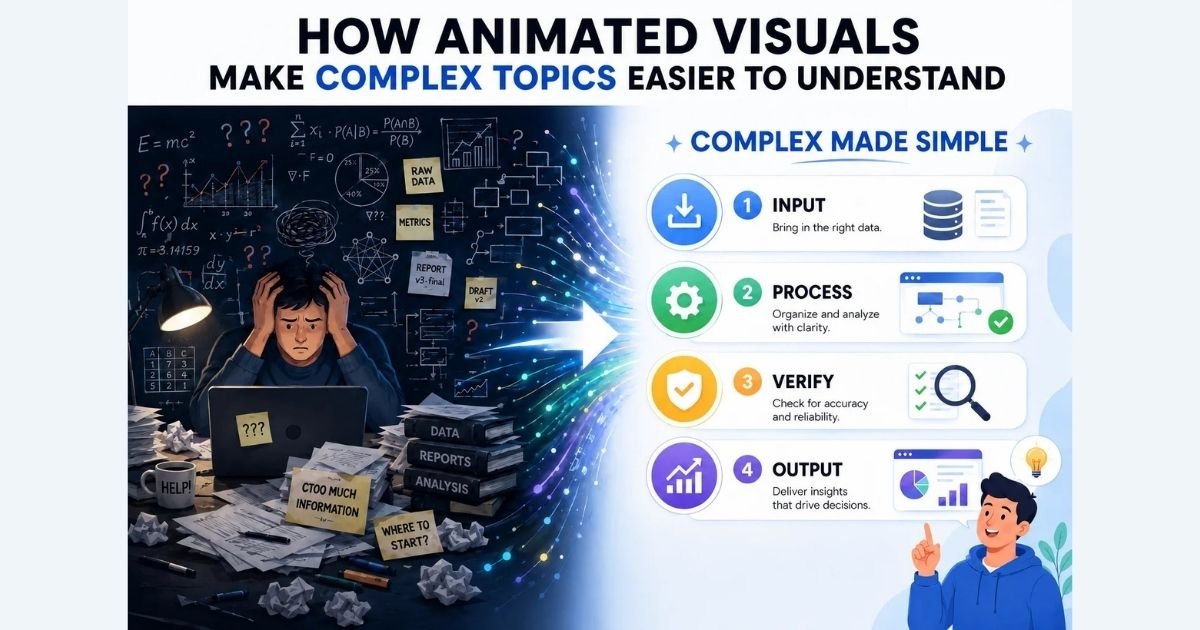
| Quick summary Animated visuals make complex ideas easier to understand by combining clear visuals with concise explanations and showing concepts in motion. When used with purpose, they improve comprehension, engagement, and knowledge retention. |
Animated visuals make complex topics easier to understand for two reasons. They feed your brain through two channels at once, words and pictures. And they show how something changes over time, so you hold less in your head.
There is a catch: this only works when the animation is built to teach, not to decorate. People already turn to video to learn. About 96% say they have watched an explainer video to understand a product or service, per Wyzowl’s 2026 report. Here is why animated visuals help, when they fall short, and how to make your own.
Why Do Animated Visuals Make Hard Ideas Click?
Animated visuals help because of two well-established ideas: dual coding and cognitive load.
Dual coding comes from psychologist Allan Paivio. Your mind handles words and images in two separate channels. Use both, and you recall more than from words alone.
Richard Mayer’s research on multimedia learning reaches the same verdict. People learn better from words and pictures together than from words by themselves. This is the heart of visual learning.
Cognitive load explains the rest. A hard topic asks your working memory to juggle many parts at once. A good animation shows those parts changing on screen. So you no longer have to picture them yourself. John Sweller’s research calls this freeing up mental space for real understanding.
One caution before the hype: skip the viral numbers. The claim that visuals are processed “60,000 times faster than text” traces to old advertising copy, not research. So do the fixed “percent of what we remember” figures. The mechanism is real. Those stats are not.
| Why do animated visuals help us learn? They split information across two mental channels, verbal and visual. They also show change over time, which cuts the effort of imagining a process. |
How Does the Same Idea Differ in Text Vs. Animation?
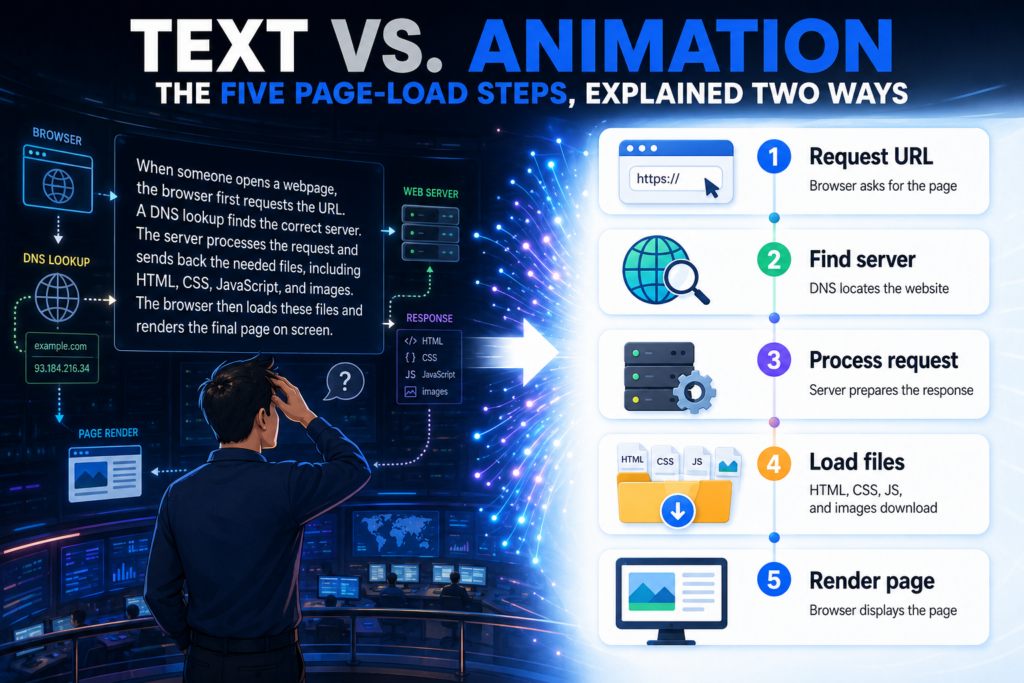
The fastest way to feel the difference is to show one hard idea both ways. Take how a web page loads.
In text, you read a list. Your browser sends a request. A server answers. Files arrive in pieces. The browser assembles them. Scripts run before the page appears. Five steps, all held in your head at once.
Now picture the same thing as a short animation. A cursor clicks. A signal travels to a server. Blocks of content slide into place, one by one. The page builds in front of you. You watch the sequence instead of rebuilding it.
The words describe the process. The animation performs it. That is how a moving picture externalizes steps a paragraph forces you to imagine. The behind-the-scenes tech that made the web quicker is a story of its own.
| Does animation explain a process better than text? Often, yes, for anything with steps or motion. It shows each stage as it happens, so you follow along instead of memorizing. |
When Do Animated Visuals Backfire, And What to Use Instead?
Animation is not always the better choice. It shines for processes, motion, and anything that changes over time. For a fixed relationship, a clear labeled diagram can work just as well.
Research supports the caution. A landmark 2002 review by Barbara Tversky and colleagues found something surprising. Animation’s apparent wins often come from extra information, not the motion itself.
A 2007 meta-analysis by Höffler and Leutner adds nuance. Animation helps on average, most of all for procedures you perform by hand. But it works only when it represents the content, not when it decorates.
Two failure modes are common. Decorative motion pulls attention from the lesson, which Mayer calls a coherence problem. Fast, fleeting animation overloads memory, because you cannot pause on each step. Sweller named this the transient information effect.
The fixes are simple. Use a static, labeled diagram for relationships. Break long animations into short, replayable chunks. Fortunately, a browser based animation maker can help you create it quickly.
| Does animation always help learning? No. It works best for processes and motion, kept relevant and paced in small steps. For fixed relationships, a labeled diagram often does the job. |
How Can You Make Your First Animated Explainer Without Design Skills?
You do not need design skills to make an animated explainer. Animation in education is within reach for any teacher or creator. You need one clear idea and about an hour. Here are five moves.
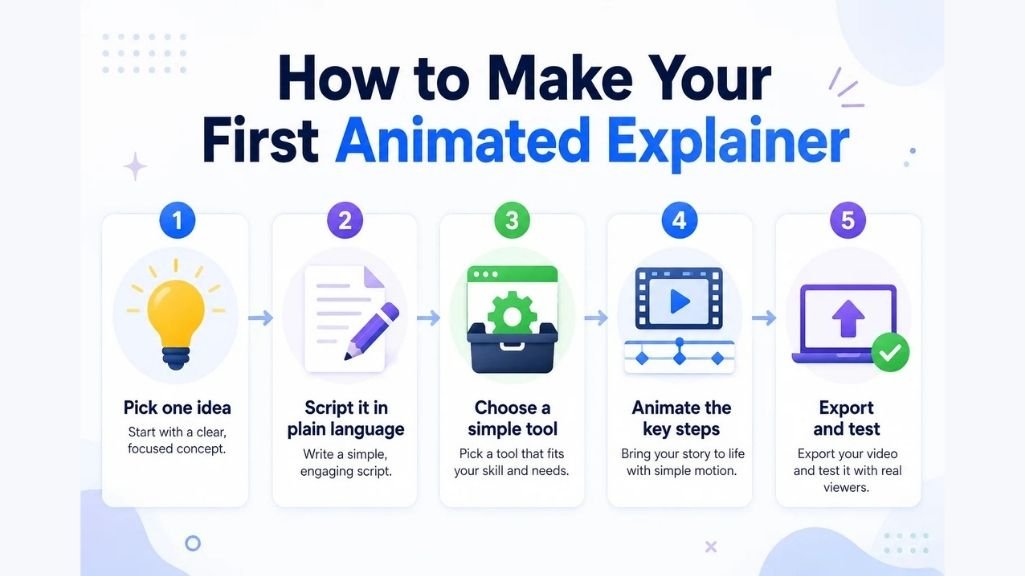
- Pick one idea. Choose a single concept your audience keeps missing. One idea per video keeps the load light.
- Script it in plain language. Write it the way you would explain it to a friend. Read it aloud, then cut what stalls.
- Choose a simple tool. A free, browser-based animation maker like Adobe Express lets you start from a template.
- Animate the key steps. Reveal one point at a time, matched to your narration. Movement should follow the idea, not fight it.
- Export and test. Show it to someone who did not help make it. If they can explain the idea back, it works.
A few rules keep your animation teaching instead of distracting:
- Signal the one part that matters at each moment.
- Cut decorative extras that carry no meaning.
- Reveal steps one at a time, not all at once
- Narrate the idea instead of piling text on screen
| How do I make an educational animation with no experience? Pick one idea, script it plainly, and build from a template. Animate the key steps, then test it on someone who can explain it back. |
FAQ
1. Why are animated visuals effective for teaching?
They pair words with pictures and show change over time. Using two mental channels at once, and watching a process unfold, helps ideas stick.
2. Do animated visuals help you understand complex topics faster?
Often, yes, for topics with steps or motion. Seeing each stage appear beats rebuilding it from a paragraph. The gain shrinks for simple facts.
3. When does animation not help learning?
Animation can hurt when it is decorative, too fast, or used for a fixed relationship. Meaningless motion distracts, and fleeting frames overload memory.
4. How can I make an educational animation with no design skills?
Pick one idea, script it in plain language, and build from a template in a simple tool. Animate the key steps, then test it on a friend.
5. What is the difference between an explainer video and an animated visual?
An animated visual is any moving graphic that shows an idea. An explainer video is a short, narrated piece on one concept. Every explainer uses animated visuals; the reverse is not true.
6. Are animated visuals better than a static diagram?
Not always. Animation wins for processes and motion. A labeled diagram can match it for fixed relationships, and it is easier to study slowly.
Conclusion
Animated visuals make complex topics easier to understand by pairing words with pictures and showing change as it happens. The one condition: build them to teach, not to decorate.
Start small. Take one idea your audience keeps missing, script it plainly, and build a short explainer from a template. Keep the motion meaningful and the pacing calm. Then check whether people can explain the idea back to you. That test tells you more than any view count.